The best family organizer apps.
Updated
Best all-round family organizer: Cozi. Best family calendar with no new app: Google Calendar. Best for shared calendars across groups: TimeTree. Best hub with location and budget: FamilyWall. Best for a household that wants money, chores and the calendar in one app: We Both.
Cozi, TimeTree, FamilyWall and We Both all have free tiers, and most hold something back for paying users.
We Both gives the house one shared calendar, chores, bills and lists on one subscription, with the calendar itself free and no ads.

 Or scan with your iPhone camera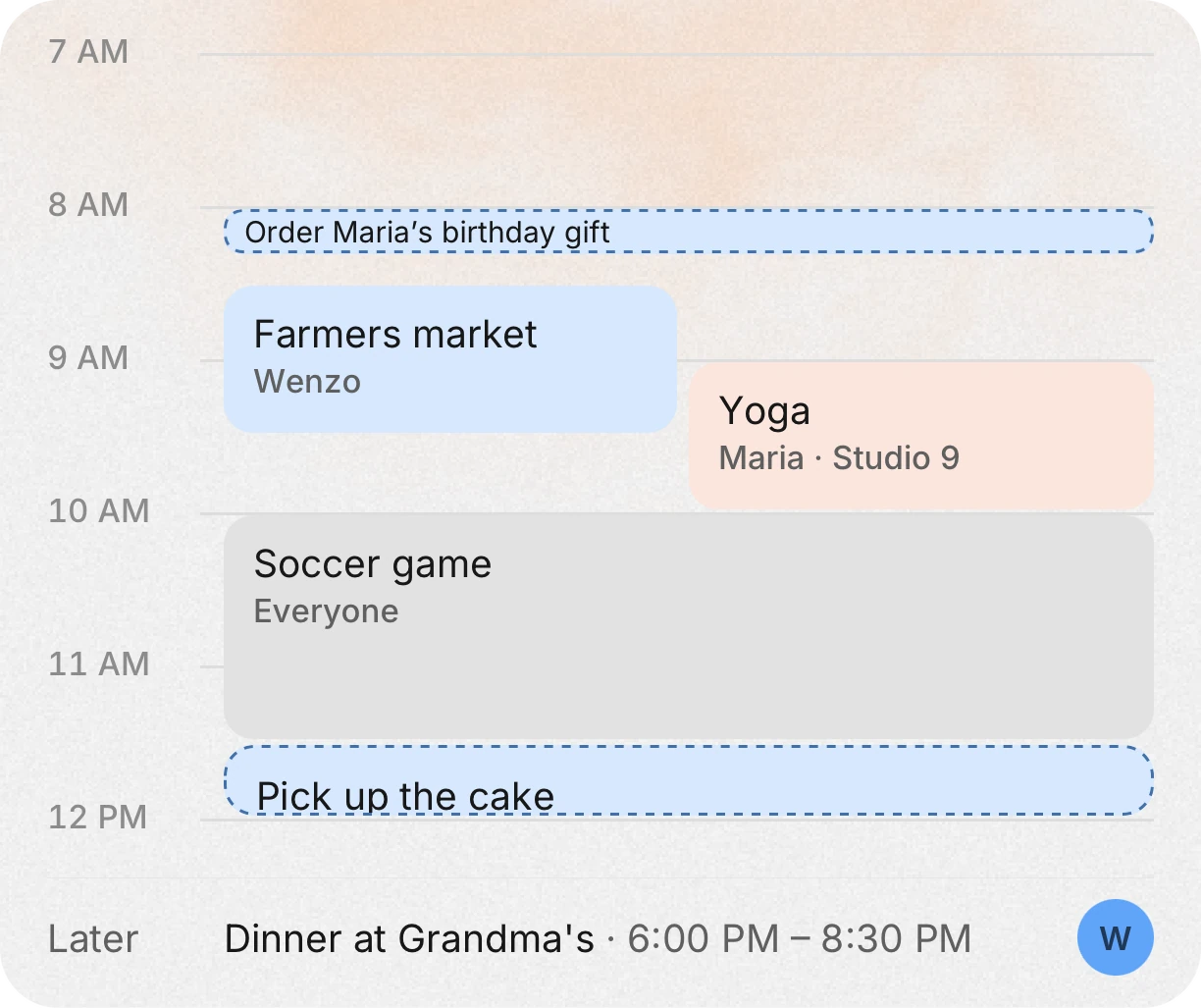
The short list
- Best all-round family organizer: Cozi.
- Best calendar you may already have: Google Calendar (a Google family group gets a shared calendar called Family).
- Best for several shared calendars: TimeTree.
- Best family hub with messages and location: FamilyWall.
- Best for money, chores and the calendar together: We Both.
The apps, one honest drawback each
Prices come from each app’s own site or App Store listing, read on 2026-10-11. Drawbacks are what reviewers say, or the app’s own limits.
- Cozi. Best for: families with kids who want a color-coded calendar, shared lists and a recipe box, on iPhone, Android and the web. Costs: free, with ads. Gold is $39 a year and Max is $79 a year, on cozi.com. The App Store listing says Gold adds events more than 30 days ahead, a month view on mobile and more reminders. Drawback: reviewers complain about that limit, with lines like “Makes you pay $40 just to view the monthly calendar.”
- Google Calendar. Best for: families already on Google. Google’s support pages say a Google family group automatically creates a shared calendar called Family that every member can view and change, and you can share a calendar with specific people. Costs: Google’s calendar pages I read give no price for personal use. Drawback: it is a calendar only, with no chores, lists or money.
- TimeTree. Best for: sharing several calendars, for family, hobbies or school, with chat inside events. Costs: free with ads. Premium is $4.49 a month or $44.99 a year and removes ads. Drawback: reviewers complain about the ads, with lines like “annoying loud video ads whenever I open an event,” and about exporting the calendar elsewhere.
- FamilyWall. Best for: a family hub with a calendar, lists, messages, photos and location sharing. Costs: free to start. Premium is $7.99 a month or $44.99 a year, after a 30-day trial. Google and Outlook calendar sync, the budget tool and the location locator with arrival alerts are Premium. Drawback: reviewers say it is called free while key features are paid.
- We Both. Best for: a household that wants one calendar next to money, bills, chores and lists. Connect Apple, Google and Outlook calendars, and each person chooses per calendar what the house sees. Chores and bill due dates show on it. Costs: the calendar is free, with no ads. Premium is one subscription for the whole house: $9.99 a month in the US, less on the 3-month plan. Limits: iPhone only (Android is in early access), no bank sync, no splitting between people, and no kids’ accounts (13+).
Side by side
| App | Covers | Free version | Paid |
|---|---|---|---|
| Cozi | Calendar, lists, recipes | Yes, with ads | Gold $39 a year, Max $79 a year |
| Google Calendar | Calendar | Google lists no price on its calendar pages | None listed |
| TimeTree | Shared calendars, chat | Yes, with ads | $4.49 a month or $44.99 a year |
| FamilyWall | Calendar, lists, messages, location | Yes, limited | $7.99 a month or $44.99 a year |
| We Both | Calendar, money, bills, chores, lists | Yes, no ads | One Premium for the house, $9.99 a month in the US |
Where We Both ranks, and where it does not
For a family with young children, Cozi or a kids-focused app may fit better. We Both is 13+, has no kids’ accounts and no points or rewards for chores. It fits households of adults and teens who want the calendar tied to bills and chores, and who would rather pay once for the house than per person.
If you only need a calendar and nothing else, a calendar app you already have is enough.
Leaving Cozi? Read the Cozi alternative guide →Calendar apps without a subscription: what to check
- How far ahead you can plan on the free plan. Ask this before you add a year of birthdays.
- Whether ads appear while you edit an event.
- Whether the free plan syncs with Google, Apple or Outlook, or only with itself.
- Whether you can export your calendar if you leave.
- Whether adding a family member costs extra.
Questions people ask
What is the best family calendar app with no subscription?
Cozi, TimeTree and FamilyWall all have free versions, with ads or limits. We Both’s shared calendar is free with no ads. A Google family group also gets a shared calendar.
Is Cozi really free?
Yes, Cozi has a free plan with ads. Cozi Gold, $39 a year, removes the ads. The App Store listing says viewing and adding events more than 30 days ahead is part of Gold.
What is the best family organizer for young kids?
Cozi is a common pick for families with young children. We Both is 13+ and has no kids’ accounts, so it suits adults and teens better.
Which family organizer works on Android?
Cozi, TimeTree and FamilyWall all have Android apps. We Both is iPhone only for now, with Android in early access by email.
Get the whole house on it.
Download it free, then invite everyone you live with. They see the same list, the same calendar and the same money.
Or scan with your iPhone cameraFacts about other apps were checked on October 11, 2026. Prices and features change, so check before you switch.