The whole house, in one app.
A shared calendar, shopping list, chores and money for everyone you live with.

 Or scan with your iPhone camera
7:30 AM · Your tabsPremium
Choose the tabs you use most.
Put Shopping, Calendar or Money in your own tab bar. Your Dashboard shows them first.

8:10 AM · Shopping list
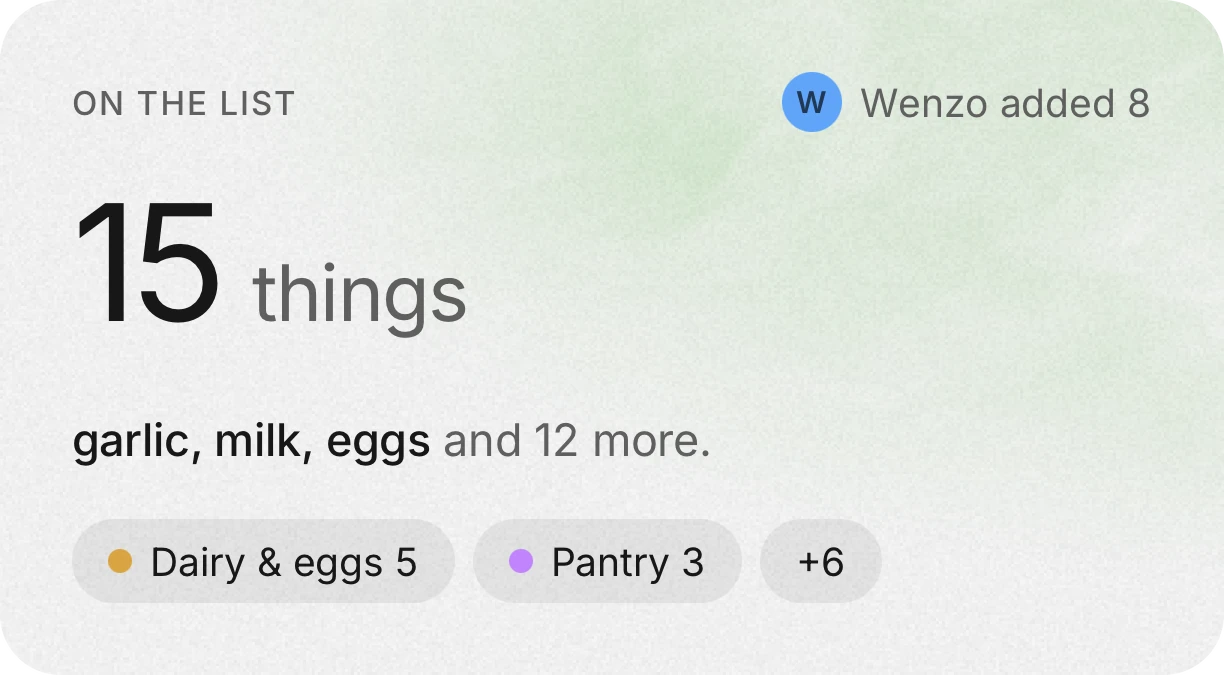
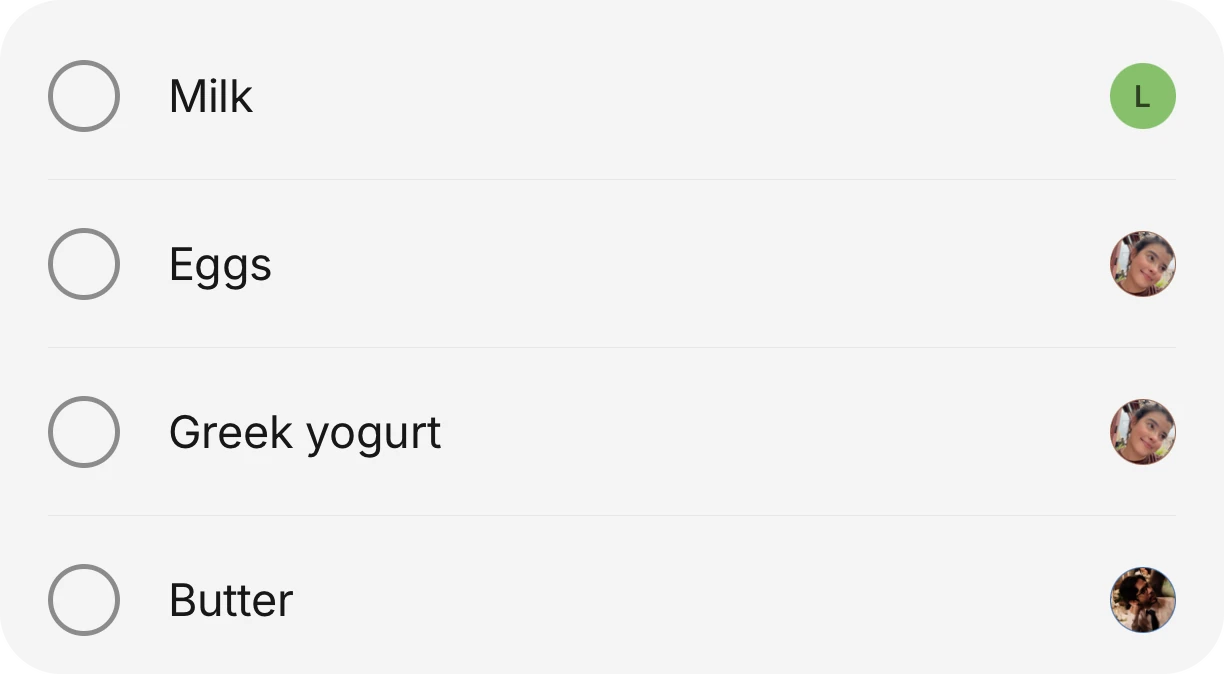
One shopping list for the whole house.
Anyone can add to it, and it shows up on every phone at once, sorted by aisle.
8:30 AM · Calendar
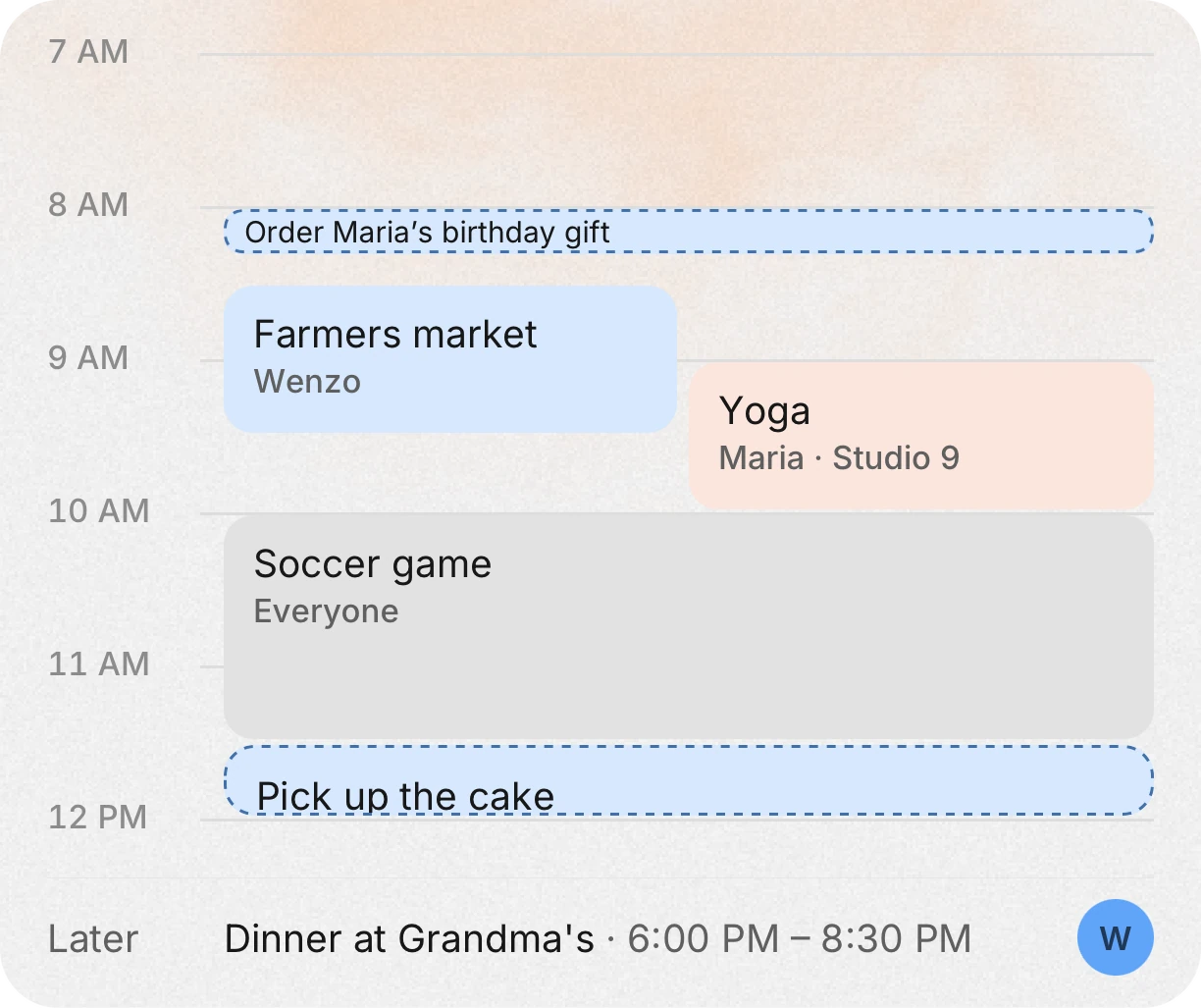
Your plans, your partner’s and the house’s.
One calendar for everyone at home. Each person’s plans show in their own color with their name, and plans for the whole house in grey. Works with Google, Outlook and Apple calendars.
12:15 PM · Expenses
Log what you spend in a few taps.
Type the amount, then pick a category like Vehicle and a type like Gas. Everyone in the house sees it.

6:05 PM · AskPremium
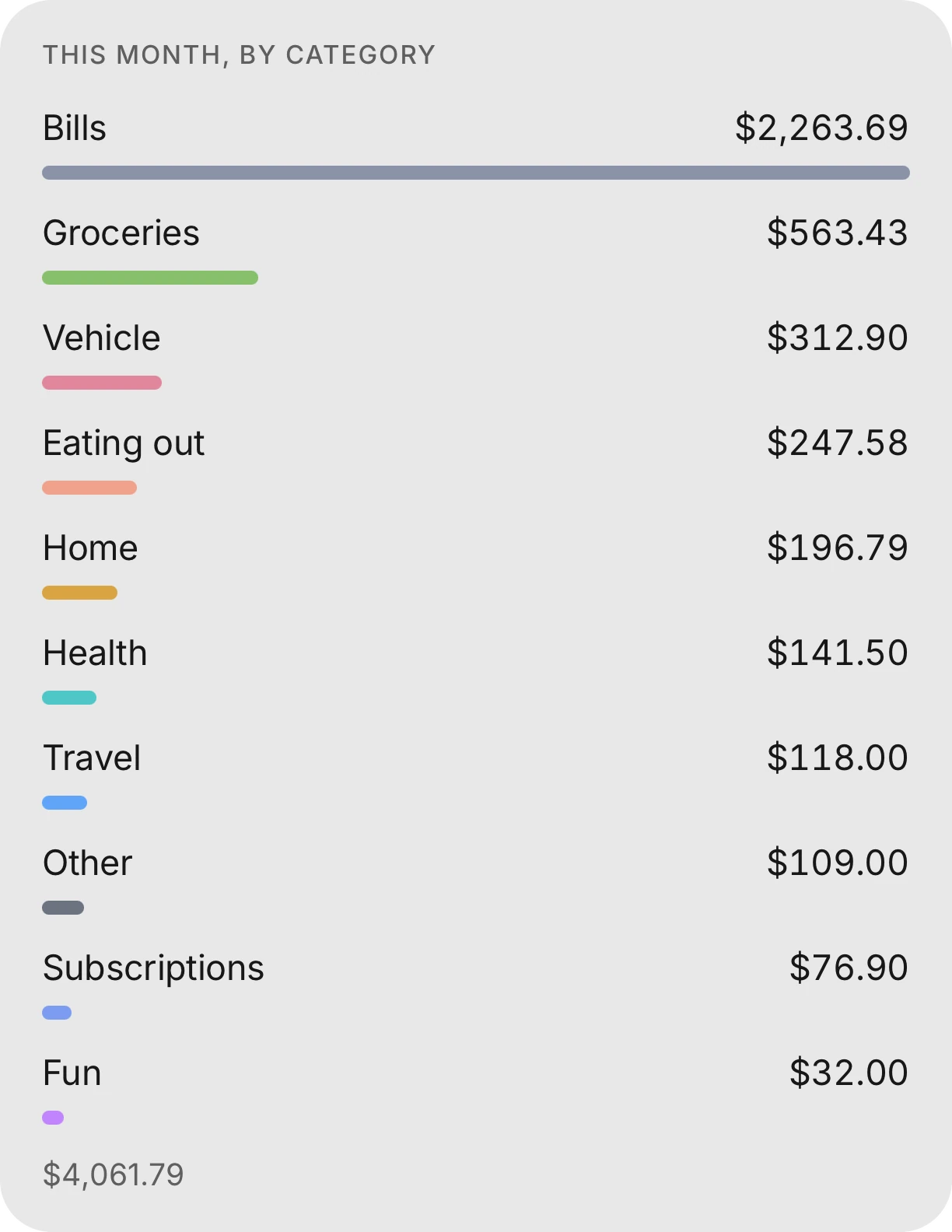
Ask where your money went.
Ask “What did we spend on groceries this month?” out loud or by typing, and get the answer by category.

7:30 PM · Chores
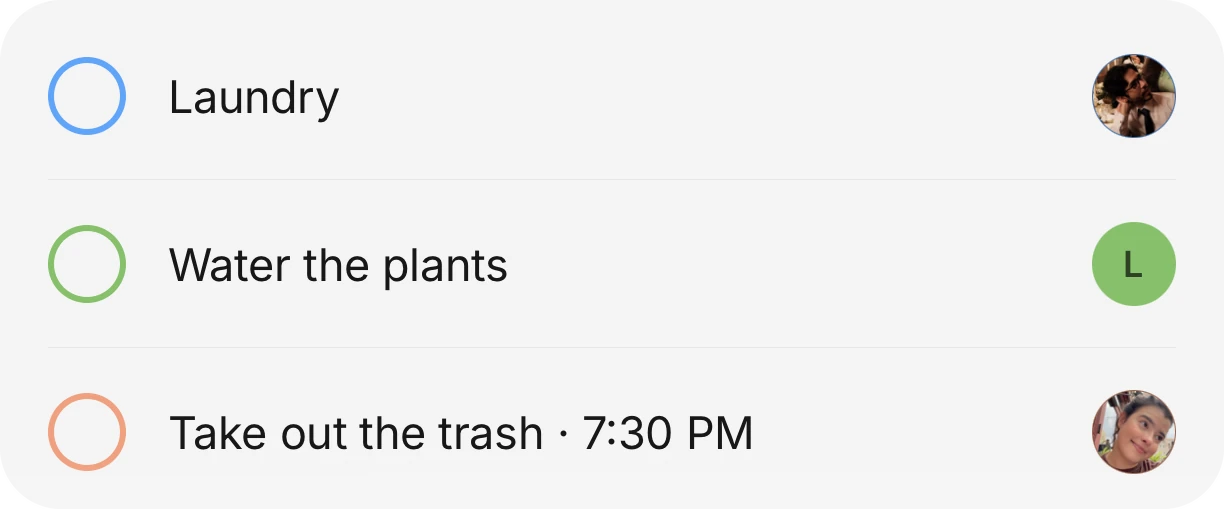
Chores that come back on their own.
Set a chore once. It repeats on its schedule, and everyone can see who is doing it.
9:30 PM · Budget
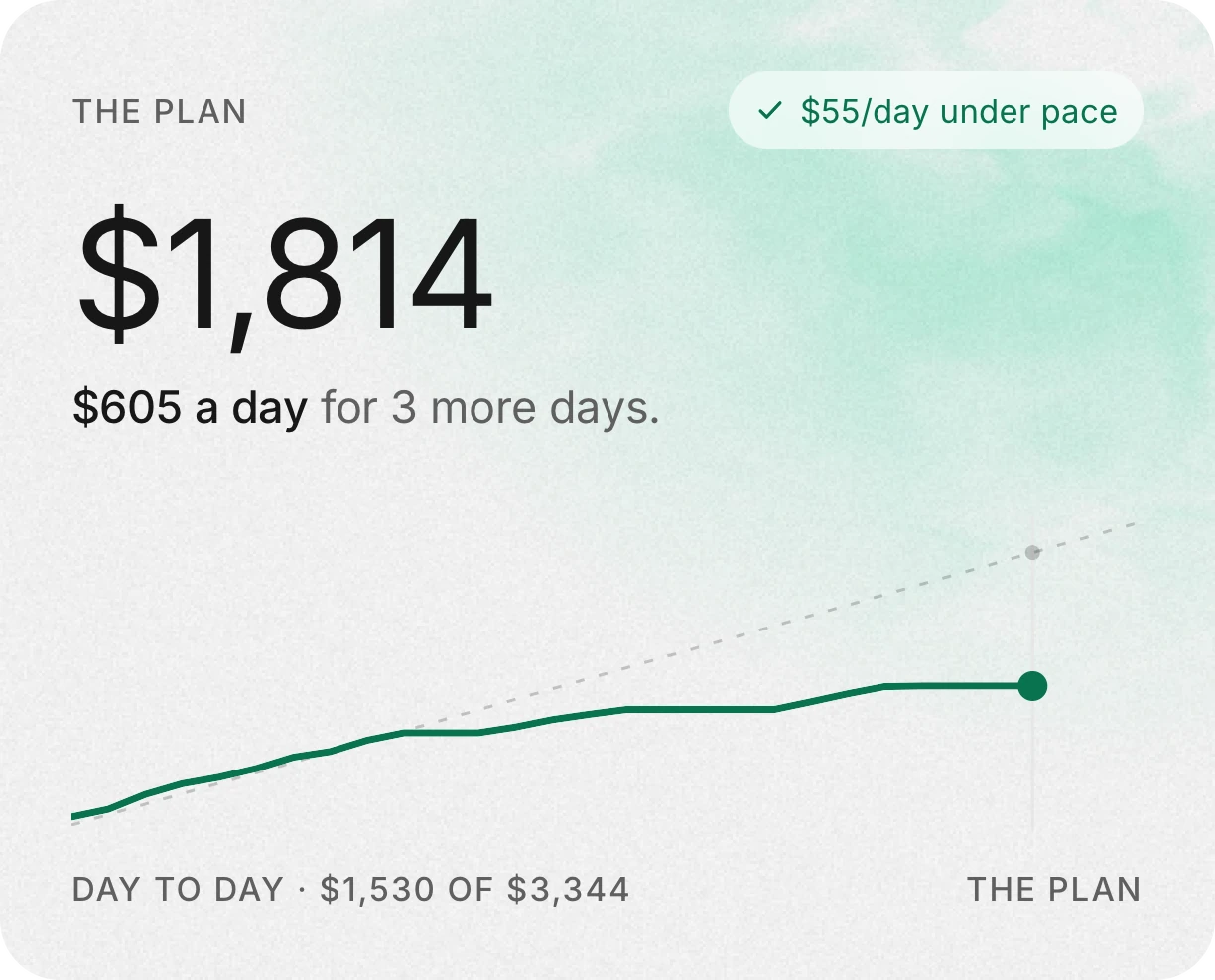
See what is left to spend.
After bills, the app shows how much you can spend each day for the rest of the month.
Get the whole house on it.
Download it free, then invite everyone you live with. They see the same list, the same calendar and the same money.
Or scan with your iPhone camera